Translate It - Browser Translation Extension
Translate It extension is a powerful tool for your browser that allows you to translate texts quickly and with the highest quality. With this extension, you no longer need to leave the webpage or copy text to separate translation tools - you can get instant translations directly on any website.
This extension supports multiple reputable translation services such as Google, Bing, Yandex, and advanced AI, and offers practical features including word pronunciation, dictionary, translation history, and element translation. With its simple user interface and flawless performance, it elevates your translation experience to a new level.








Available on all popular browsers


Features
Key features of Translate It extension
Text Selection Translation
Simply select any text, and the translation box appears right where you selected or click the translation icon
Element Selection Translation
Activate Select Element mode and click on any part of the page to translate it entirely without breaking the layout
In-Field Translation
When typing in forms, press Ctrl+/ shortcut or click the inline translator icon to instantly translate before sending
Popup/Sidepanel
Popup or sidepanel with extended features including pronunciation, dictionary support and translation history
Word Pronunciation
Each translation comes with audio playback for accurate pronunciation with different accent options
Dictionary Mode
Get definitions, synonyms, word type, and usage examples along with translations
Multiple Translation Providers
Choose from various AI-powered translation providers: Google, Bing, Yandex, Gemini, and advanced AI models
Free & Open Source
Always free with open-source code and no hidden costs
Extension Screenshots
See the Translate It extension features in action
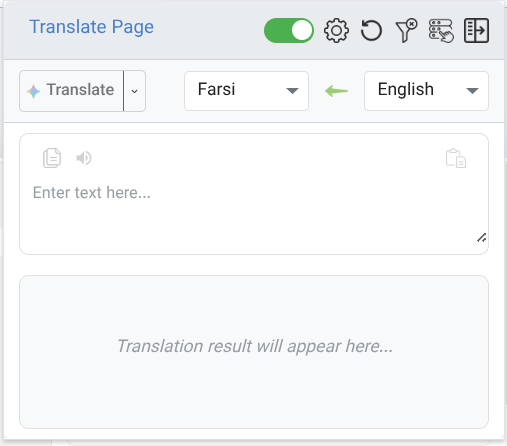
Translation Popup
Main translation popup with complete features
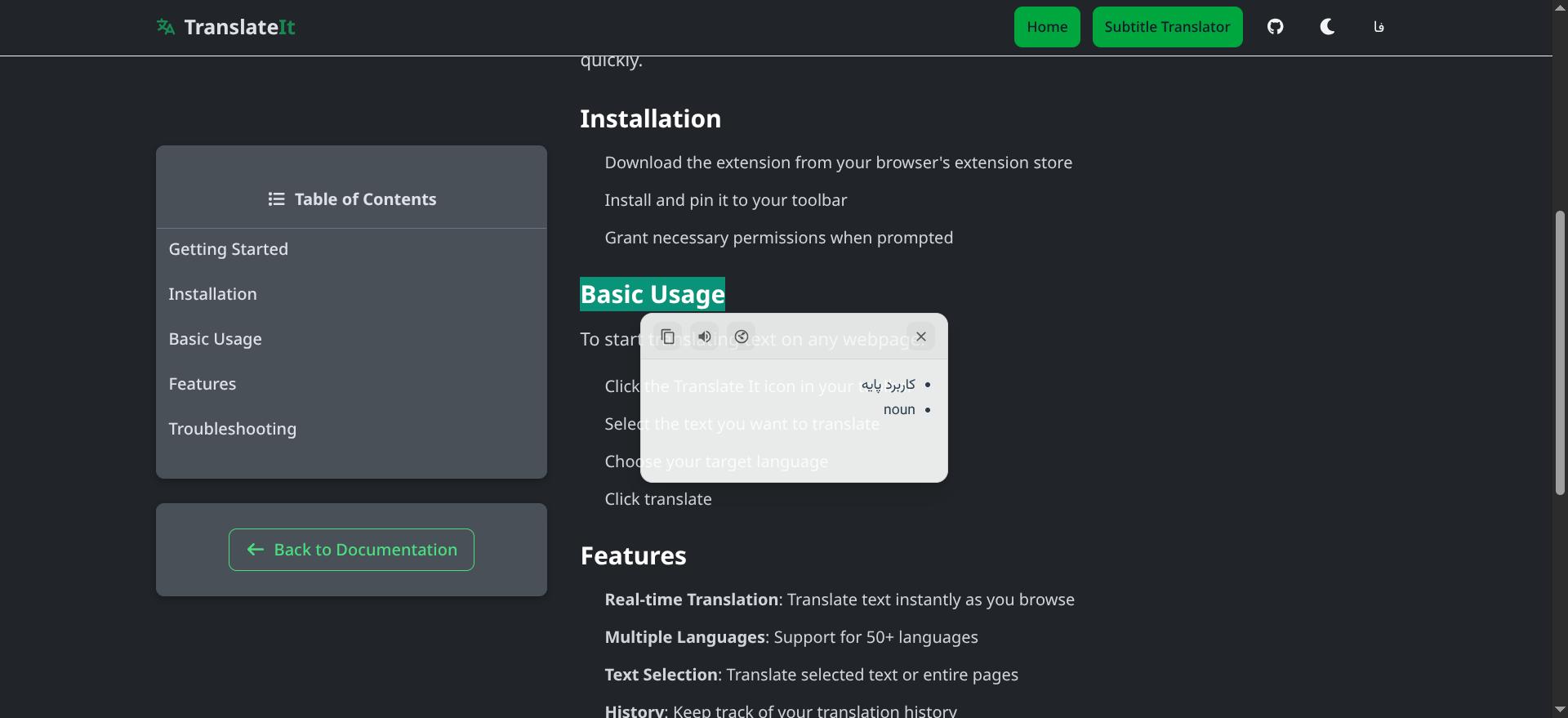
Window Manager
Complete control of translation windows and positioning
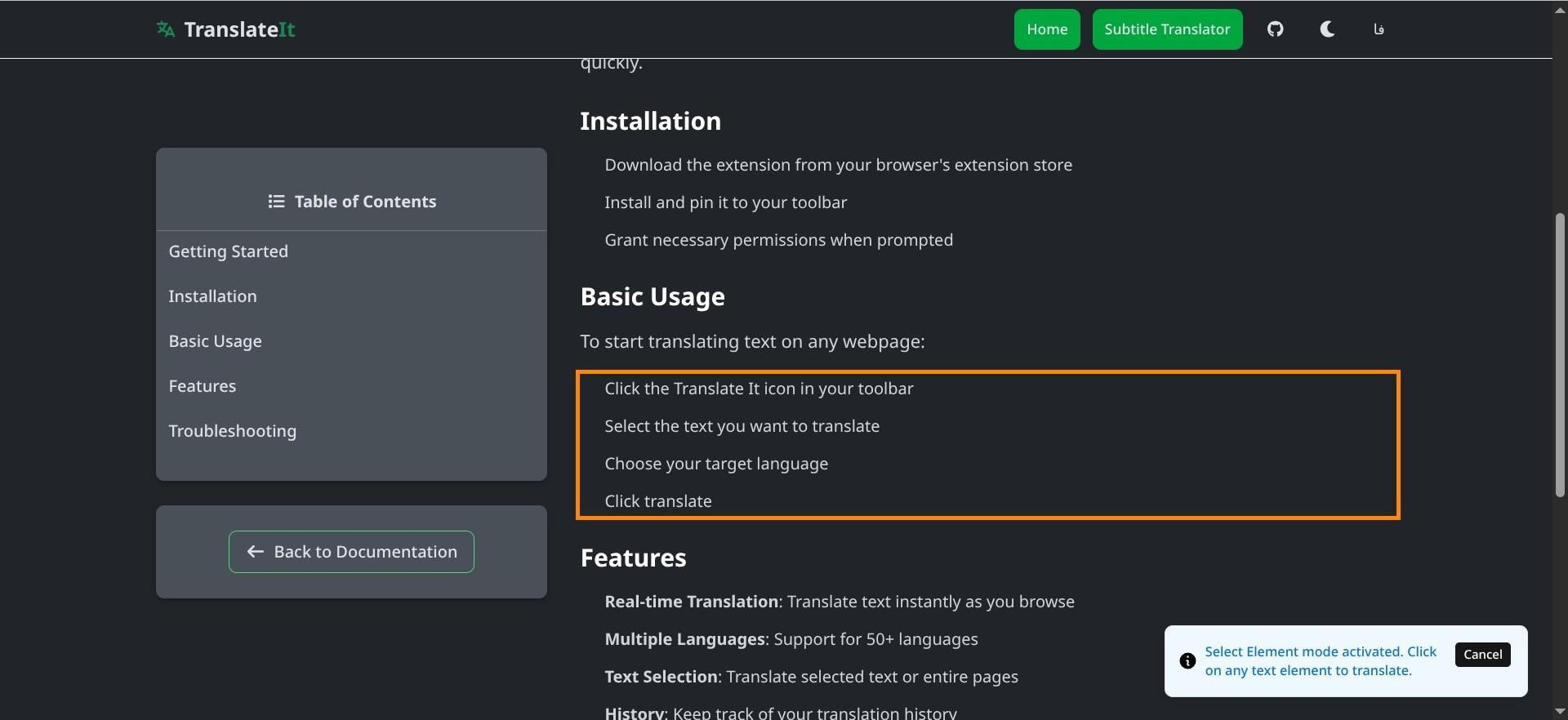
Select Element Before Translation
Website section before applying translationWebsite section after applying translation
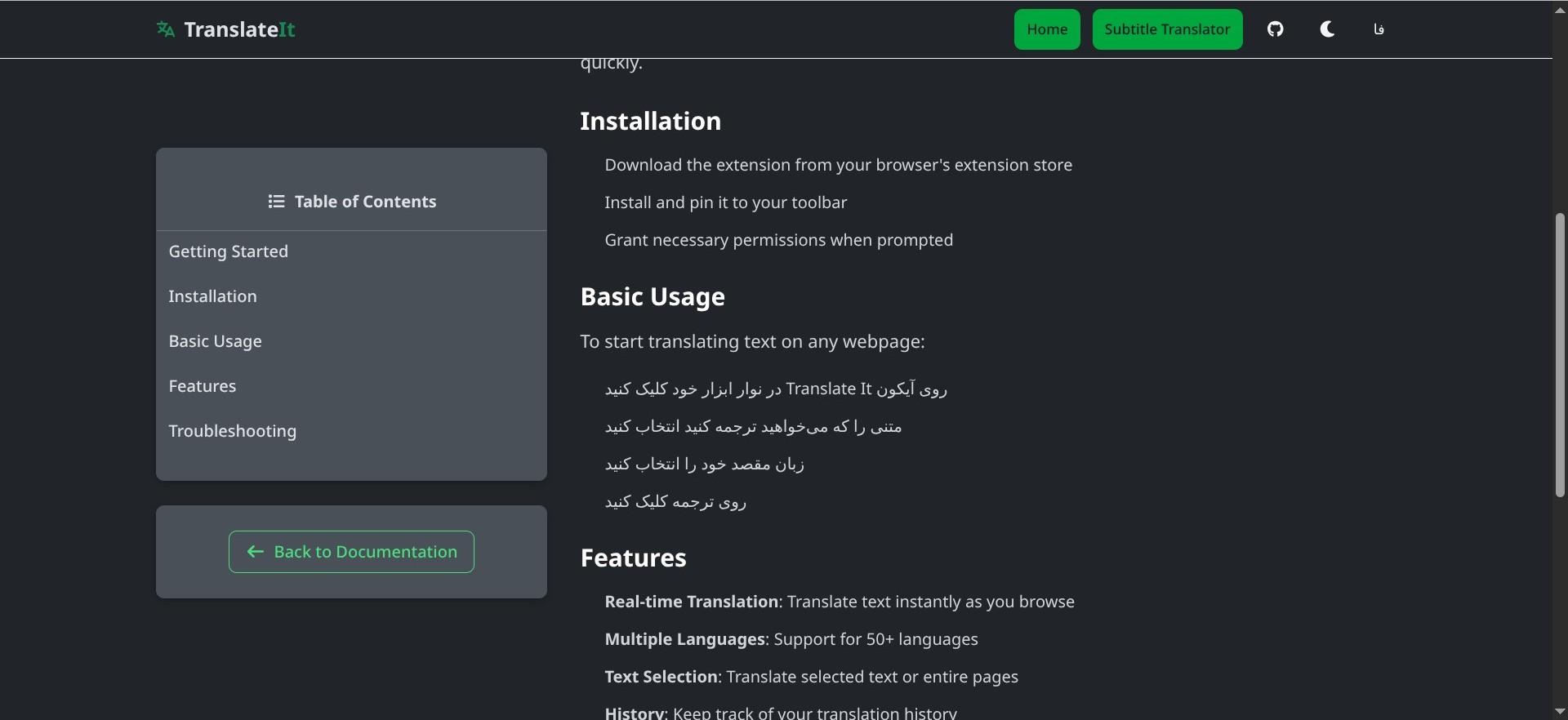
Select Element After Translation
View and manage all your completed translations
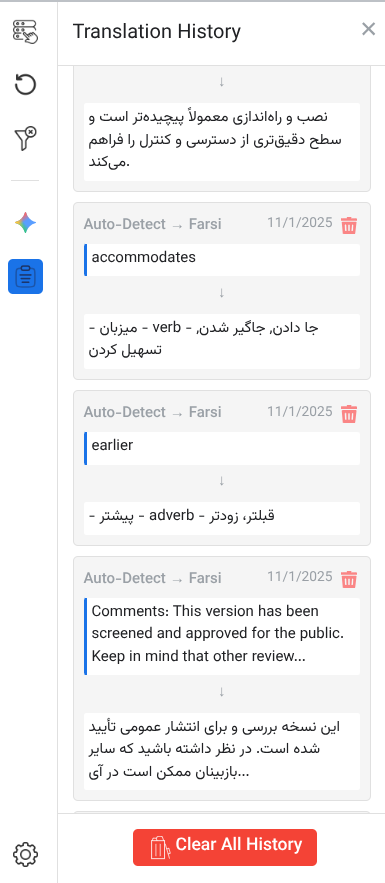
Translation History
Direct translation while typing in forms and text fields
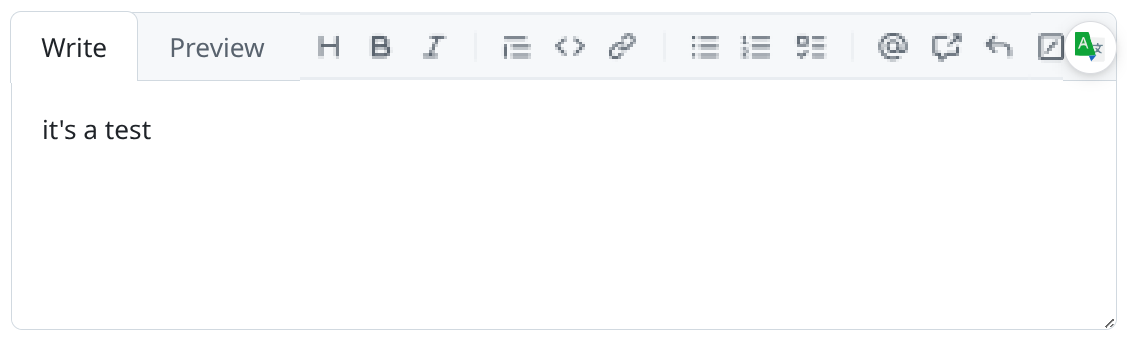
Text Field Translation
Ready to use the best translation extension?
Install Translate It today and experience easy translation